
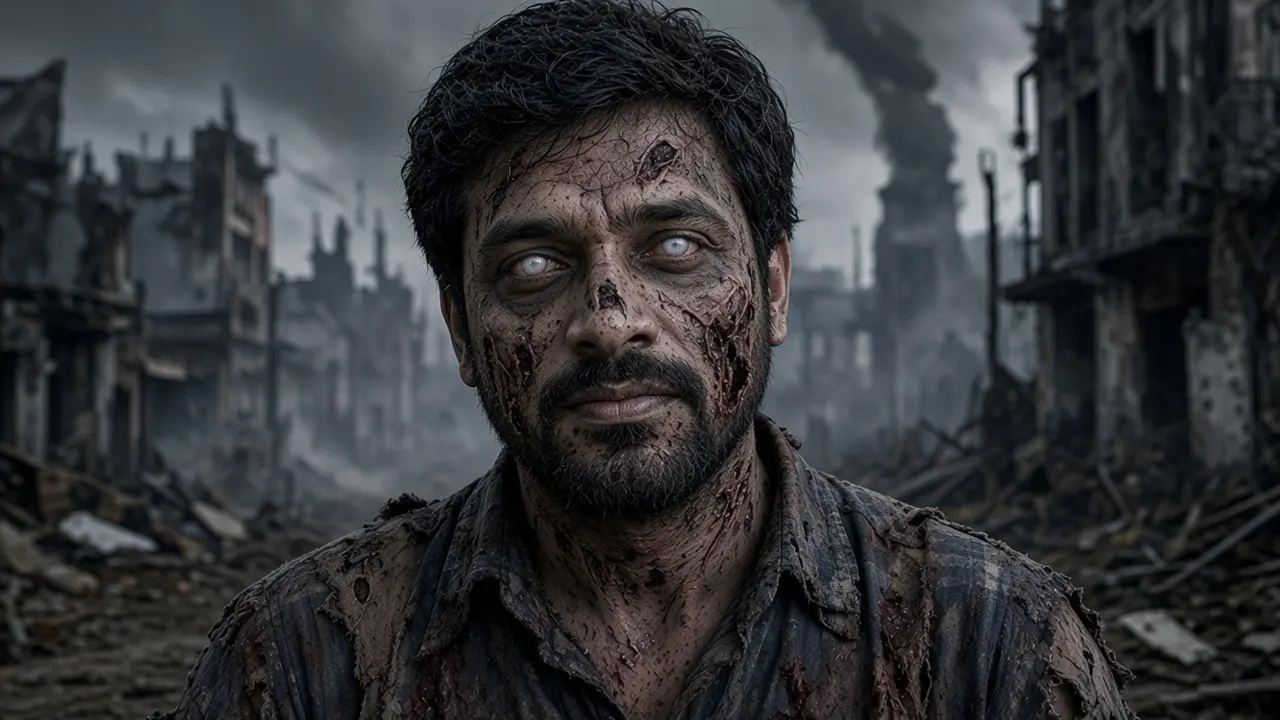
 Example selfieApocalypse zombie
Look · Apocalypse zombie
How the AI zombie filter works
You upload one photo and pick a look. Each look has a fixed, written prompt: the AI is told which makeup, clothes, lighting and background to paint, and to keep your face shape, hairstyle, pose and framing. Nobody types free text, so results stay on theme.
Unlike a live face filter that sticks a mask on top of your camera feed, the AI repaints the whole photo, including skin texture, eyes, clothes and light. That is why the result looks like a still from a zombie film rather than a sticker.
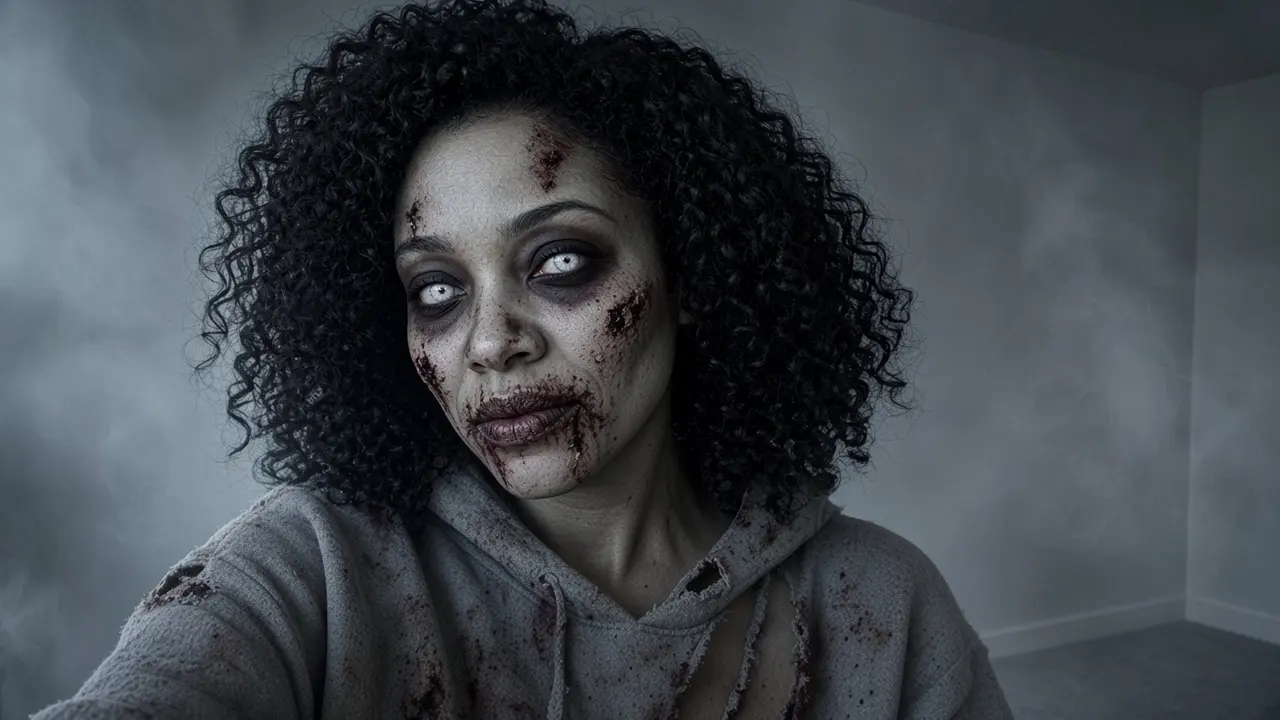
Same selfie, four zombies
Drag any picture to compare. Each one started as a plain photo against a wall.
BeforeApocalypse zombie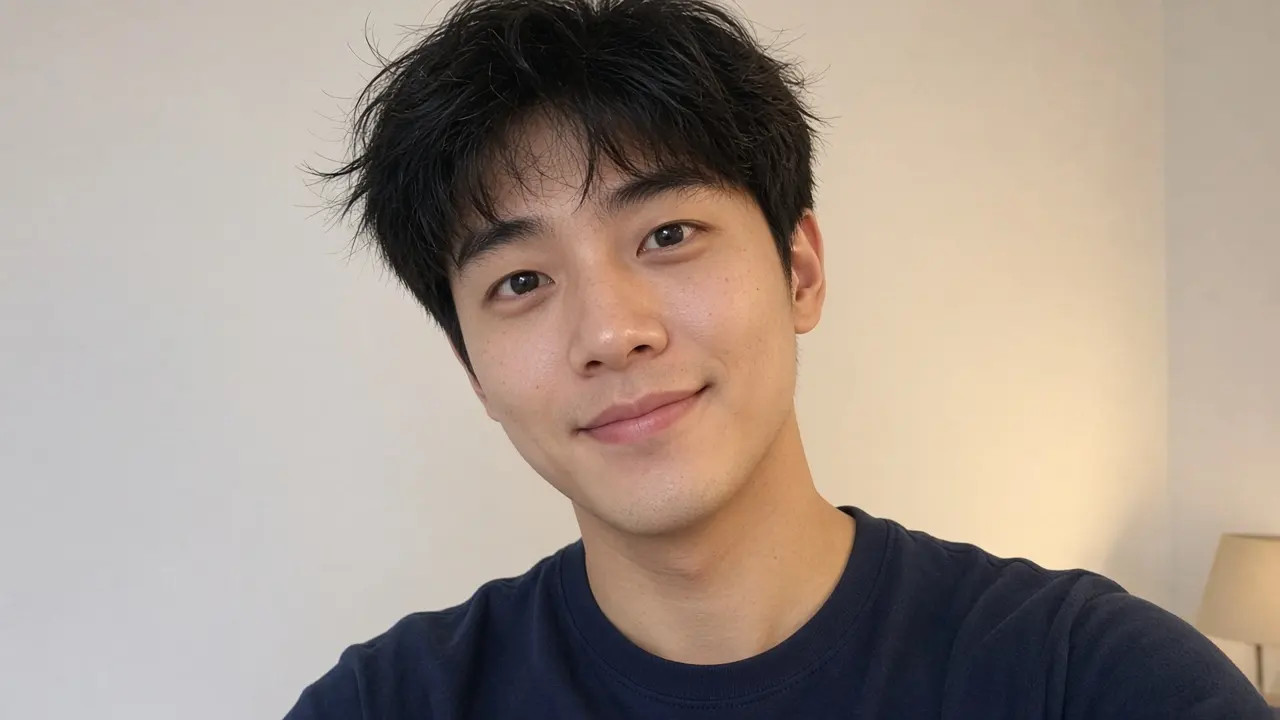
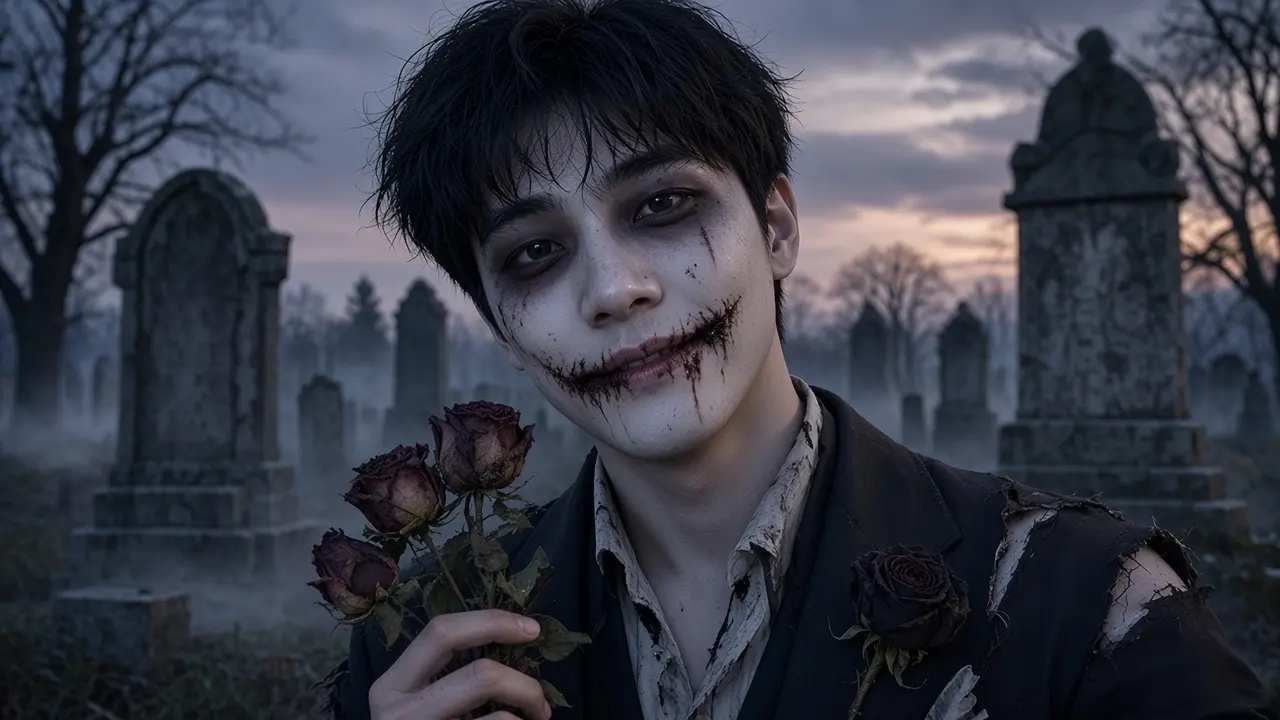 BeforeZombie bride or groom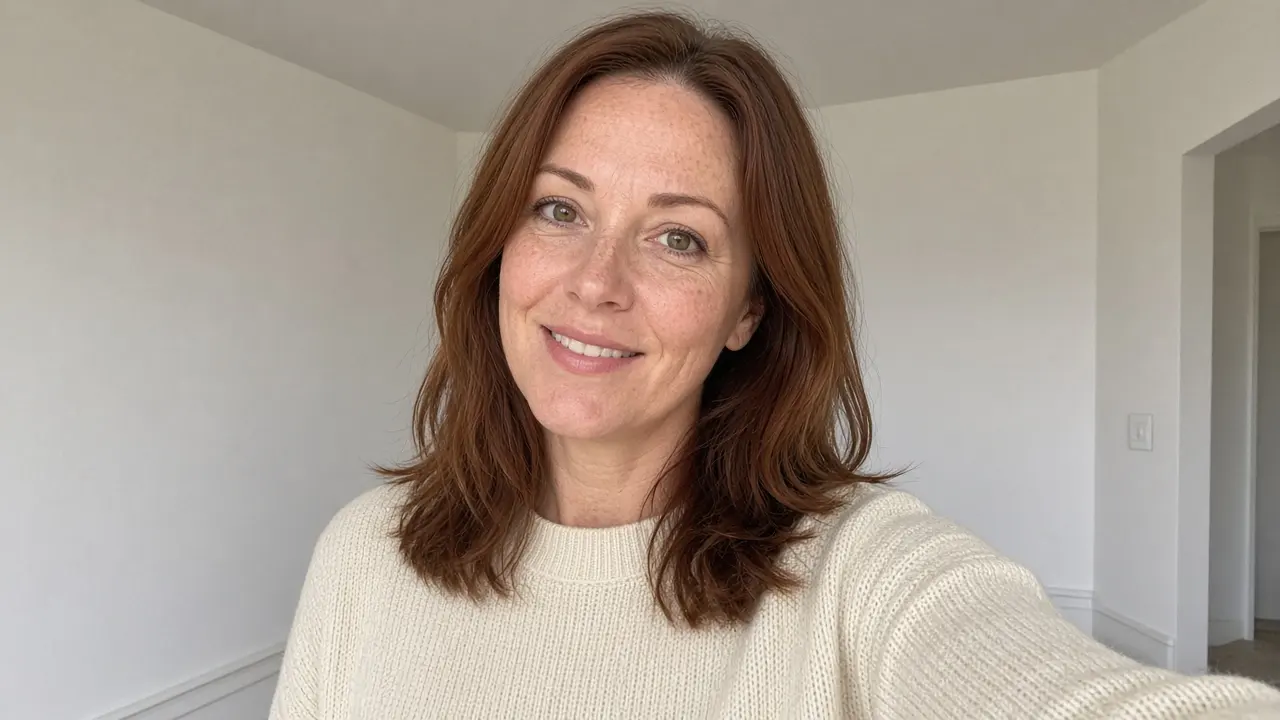
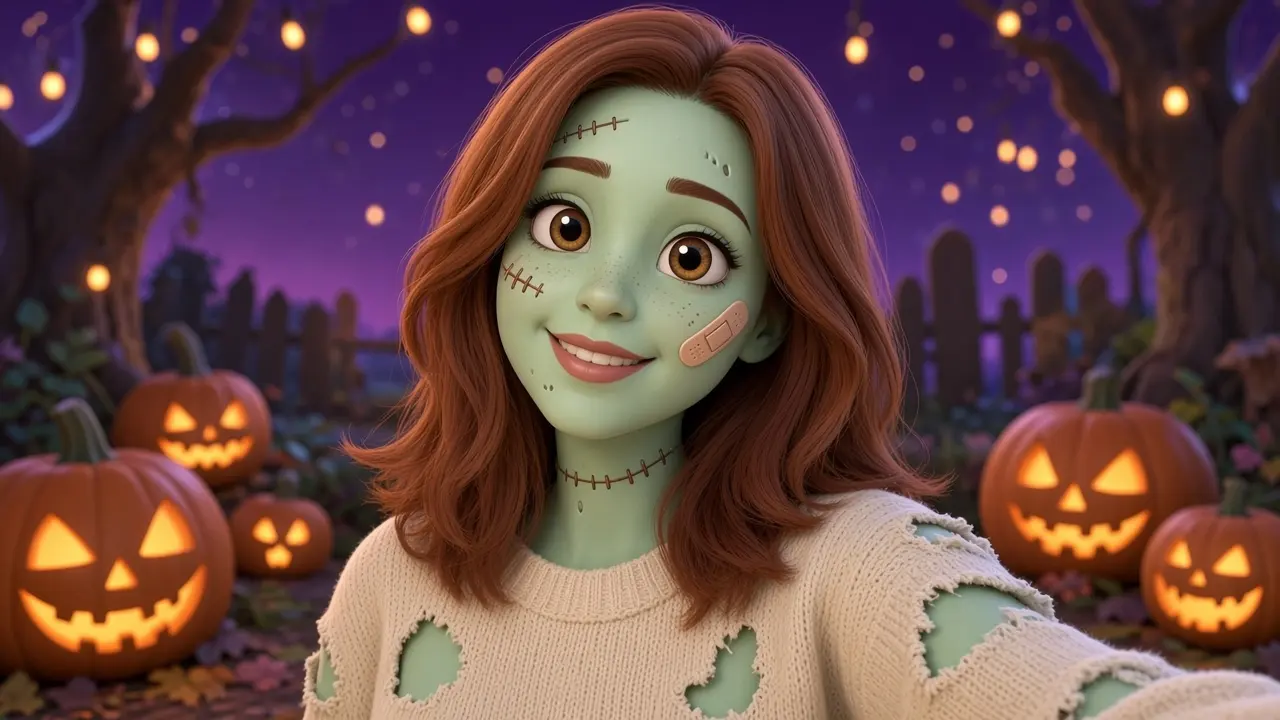 BeforeCute cartoon zombie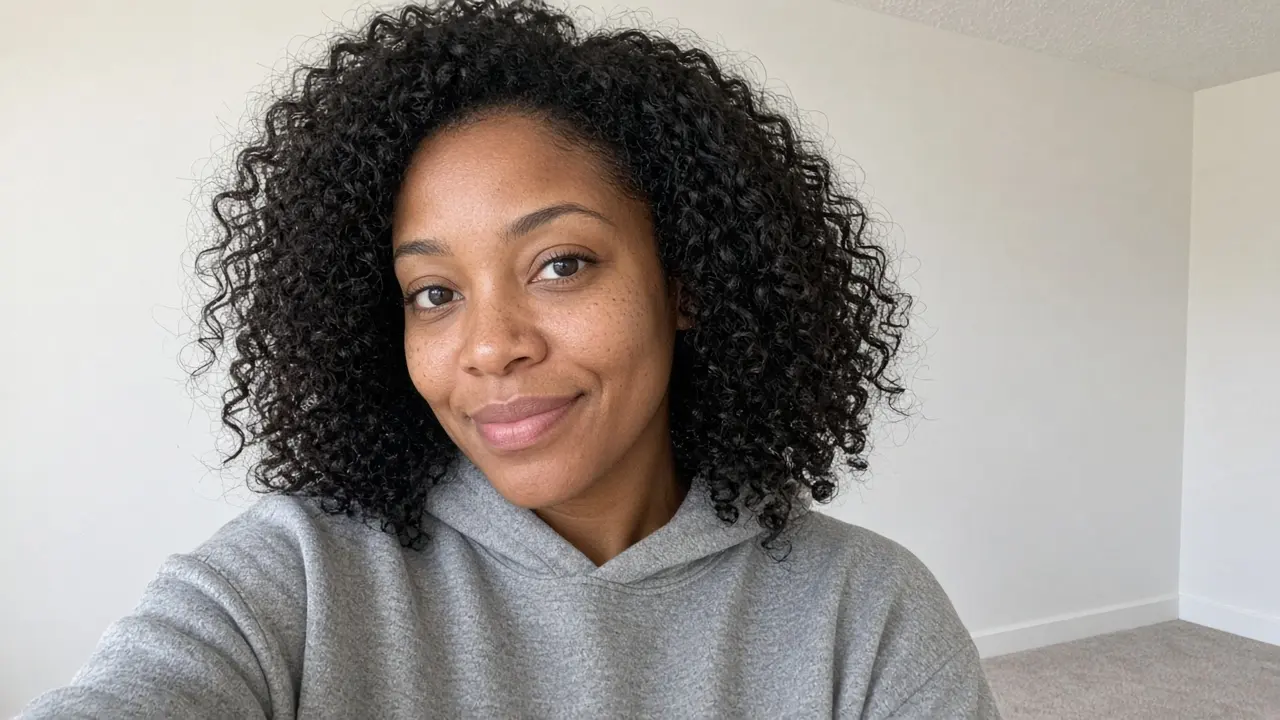
 BeforeClassic zombie
Which zombie look should you pick?
Apocalypse zombie
The most dramatic option: rotting skin, milky eyes, torn clothes and a burnt-out city behind you. Pick it for horror fans, a survival-themed party or an avatar that makes people look twice. It works best on a head-and-shoulders photo with even light.
Zombie bride or groom
Pale skin, dark eye shadows and a torn wedding dress or suit in a cemetery at dusk. Good for couples: each of you uploads your own photo and you get a matching bride and groom. Also the pick if you want spooky but elegant.
Cute cartoon zombie
A friendly 3D-cartoon version of you with mint-green skin, big eyes and a band-aid. Cute rather than scary, so it suits family party invitations, group chats and anyone who doesn't like gore.
Classic zombie
Grey-green skin, cloudy eyes and dried blood: the look most people picture when they hear 'zombie'. Your face stays easy to recognise, which makes it the safest choice for a profile picture.
Ideas for your zombie photo
Halloween profile picture
Swap your avatar for October. Classic keeps you recognisable; Apocalypse gets the most reactions.
Before and after post
Post your normal selfie next to the zombie version, or as a swipe carousel.
Party invitation
Put your zombie photo on the invite for a zombie walk or a horror-movie night.
Matching couple photos
Two people, two uploads, one zombie bride and groom set.
Photos that work
Works well
- One person, facing the camera
- Daylight or a bright room
- Head and shoulders in frame
Gives weak results
- Group photos or tiny faces
- Sunglasses, masks or heavy filters
- Photos of children or of people who didn't agree
What it costs
An image costs 1 credit. Paid images have no watermark. No subscription.
Questions about the zombie filter
Is this AI zombie filter free?
Your first 2 zombie photos are free with a small watermark. After that, one-time credit packs start at $4.99 for 20 credits. A photo is 1 credit. Credits never expire, no subscription.
Does the zombie filter work on any photo?
It works best on a clear photo of one person with the face visible. Group photos and very dark photos give weaker results.
Are my photos private?
Your upload is only used to generate your result and isn't stored. Results are deleted automatically after 72 hours.
Can I post my zombie photo on Instagram or TikTok?
Yes. Download the image and use it as a profile picture, story or post. Free images carry a small watermark; images made with credits don't.
Why doesn't my zombie look like me?
The AI is told to keep your face shape, hairstyle and pose, but heavy decay can hide features. A sharper, front-facing photo in good light helps, and Classic or Cute cartoon keep more of your face visible.
Which zombie looks can I choose?
Four: Apocalypse zombie (full decay, ruined city), Zombie bride or groom (gothic wedding at dusk), Cute cartoon zombie (friendly 3D-cartoon style) and Classic zombie (grey skin, cloudy eyes).
Want the full costume?
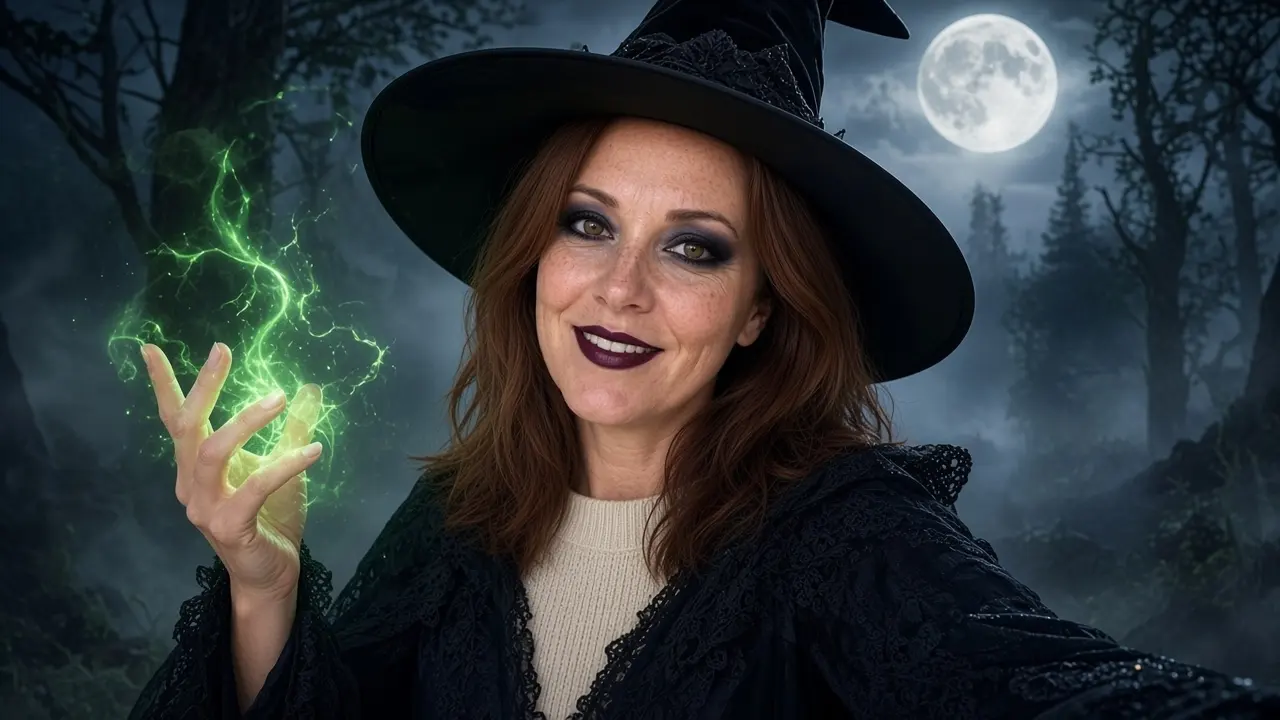
AI Halloween costume generator
Seven costumes, from witch to werewolf.
Open the costume generatorTrying the pumpkin head trend?
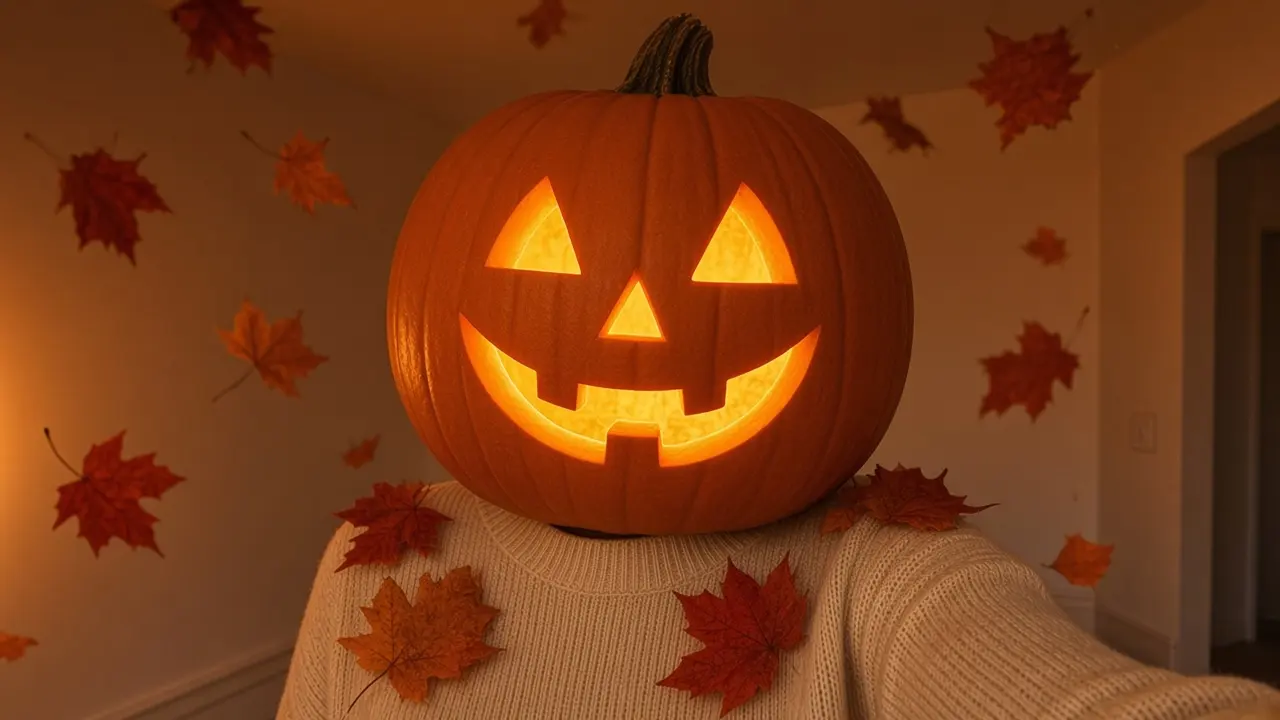
Pumpkin head AI
Your head as a glowing jack-o'-lantern, outfit and pose kept.
Open pumpkin head AI